Per-tab audio control for Chrome

Hear every tab.
On your terms.

Make quiet videos easier to hear, bring voices forward, and keep loud peaks under control—without sending your audio anywhere.

  • No account
  • No tracking
  • Local processing
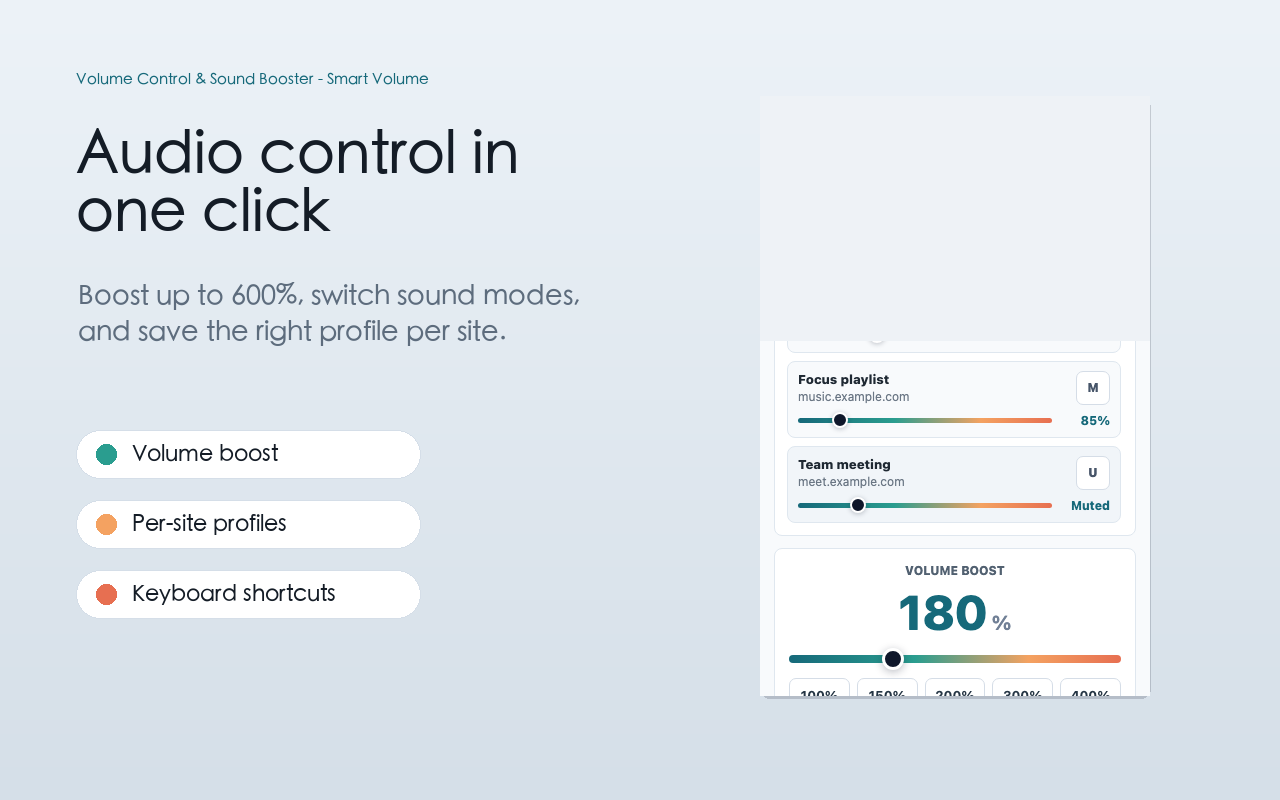
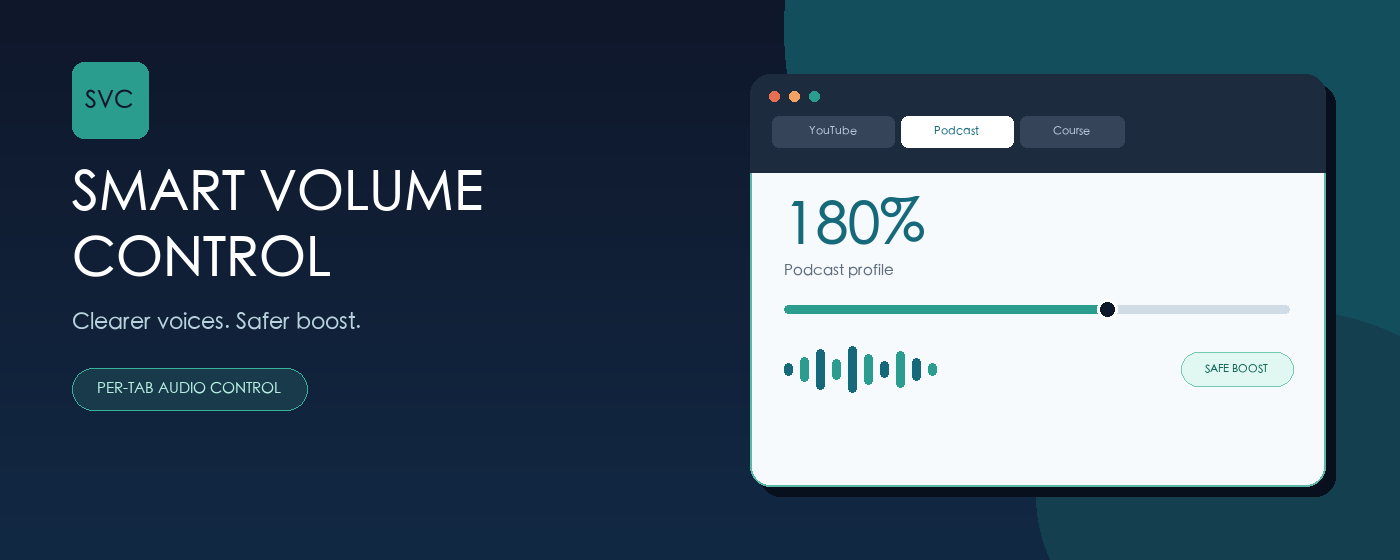
Smart Volume Control showing independent browser tabs, 180 percent volume and safe boost
0–600%precise volume range
4 modesnormal, speech, bass, night
Per-siteprofiles that remember
Local onlyaudio never uploaded

Everything you need

More than just louder.

Smart controls designed for daily listening—not a single blunt boost slider.

01

Control every tab independently

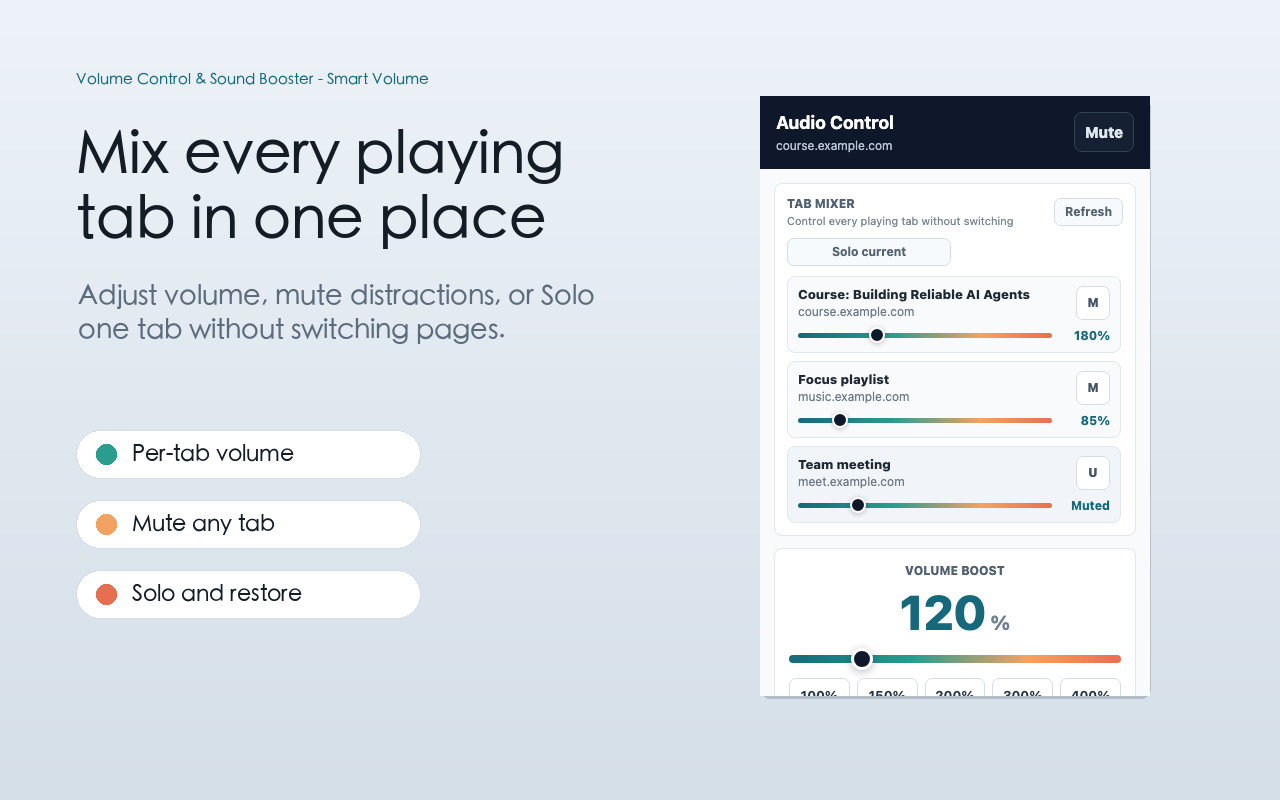
Turn down music, boost a quiet course, or mute a meeting tab without changing your system volume.

  • 0–600% volume range
  • Active audio tab list
  • One-click tab switching
Volume control panel with independent audio tabs
Aa

Clearer voices

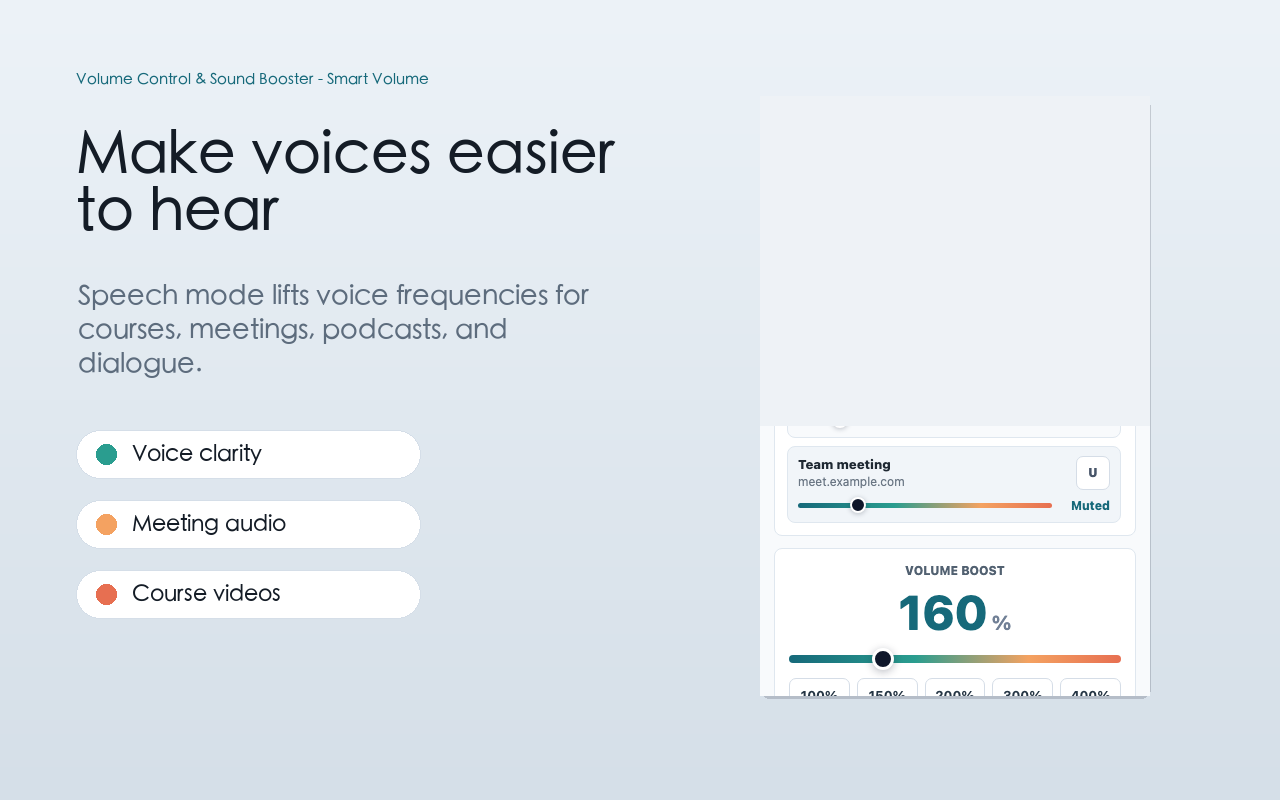
Speech mode emphasizes the frequencies that matter for courses, podcasts, meetings, and dialogue.

Safer boost

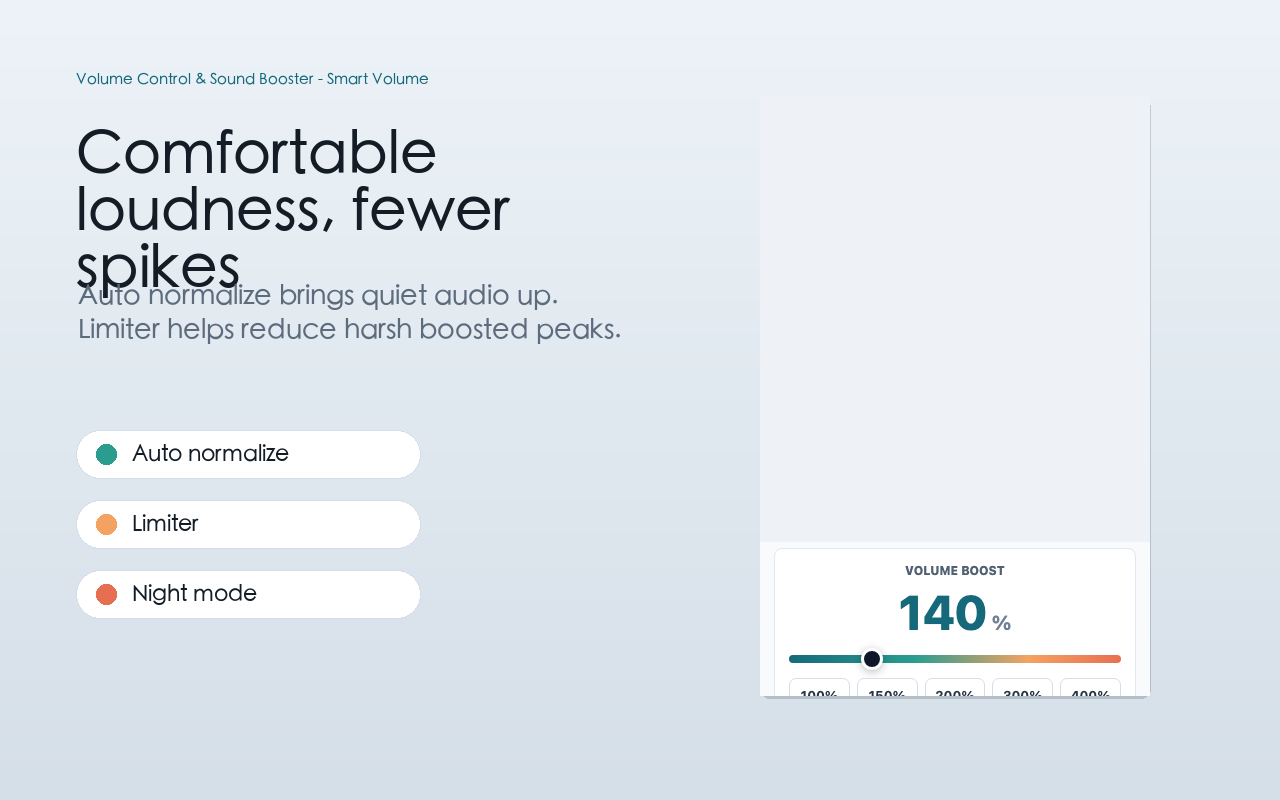
A built-in limiter softens harsh peaks when audio is amplified above its original level.

Automatic loudness

Bring quiet moments closer to a comfortable listening level while playback continues.

Keyboard first

Boost, lower, mute, or reset the current tab with shortcuts—no popup required.

05

Your sites, your sound

Save a complete profile for each site, including volume, audio mode, auto loudness, and safe boost.

Built for speed

Better audio in three steps.

1

Play something

Open a video, podcast, course, stream, or any page with HTML5 audio.

2

Choose your sound

Set the volume, select a mode, and enable auto loudness or safe boost.

3

Save the profile

Let the extension restore your preferences the next time you visit.

Speech mode for clearer voices Auto loudness and safe boost controls List of browser tabs currently playing audio

Private by design

Your audio stays in your browser.

Smart Volume Control does not collect your audio, browsing history, page content, personal data, or analytics identifiers. Site preferences are stored locally using Chrome storage.

Read the privacy policy

Questions

Good to know.

Does it work on every website?

It works with many websites using standard HTML5 audio and video. Protected media, custom audio pipelines, browser-internal pages, and some cross-origin players may limit audio control.

Can high volume damage my speakers or hearing?

Any amplified sound can become uncomfortable. Start low, increase gradually, keep Safe Boost enabled, and avoid excessive levels—especially with headphones.

What data does the extension collect?

None. Settings such as domain, volume level, and selected mode are saved locally in Chrome. Audio and browsing data are not sent to a server.

What are the default keyboard shortcuts?

Alt+Shift+Up increases volume, Alt+Shift+Down decreases it, Alt+Shift+0 resets to 100%, and Alt+Shift+M toggles mute. Chrome lets you customize them at chrome://extensions/shortcuts.

Smart Volume Control

Make every tab easier to hear.

Free, lightweight, and private by design.

Add to Chrome — Free